

I’m a producer. I’d rather be in the studio than writing captions at midnight. But if a record doesn’t get seen, it doesn’t get heard, so social media has to get done.
So I gave it a manager. An AI one, inside Muse.

Shoot it rough, let it clean it up
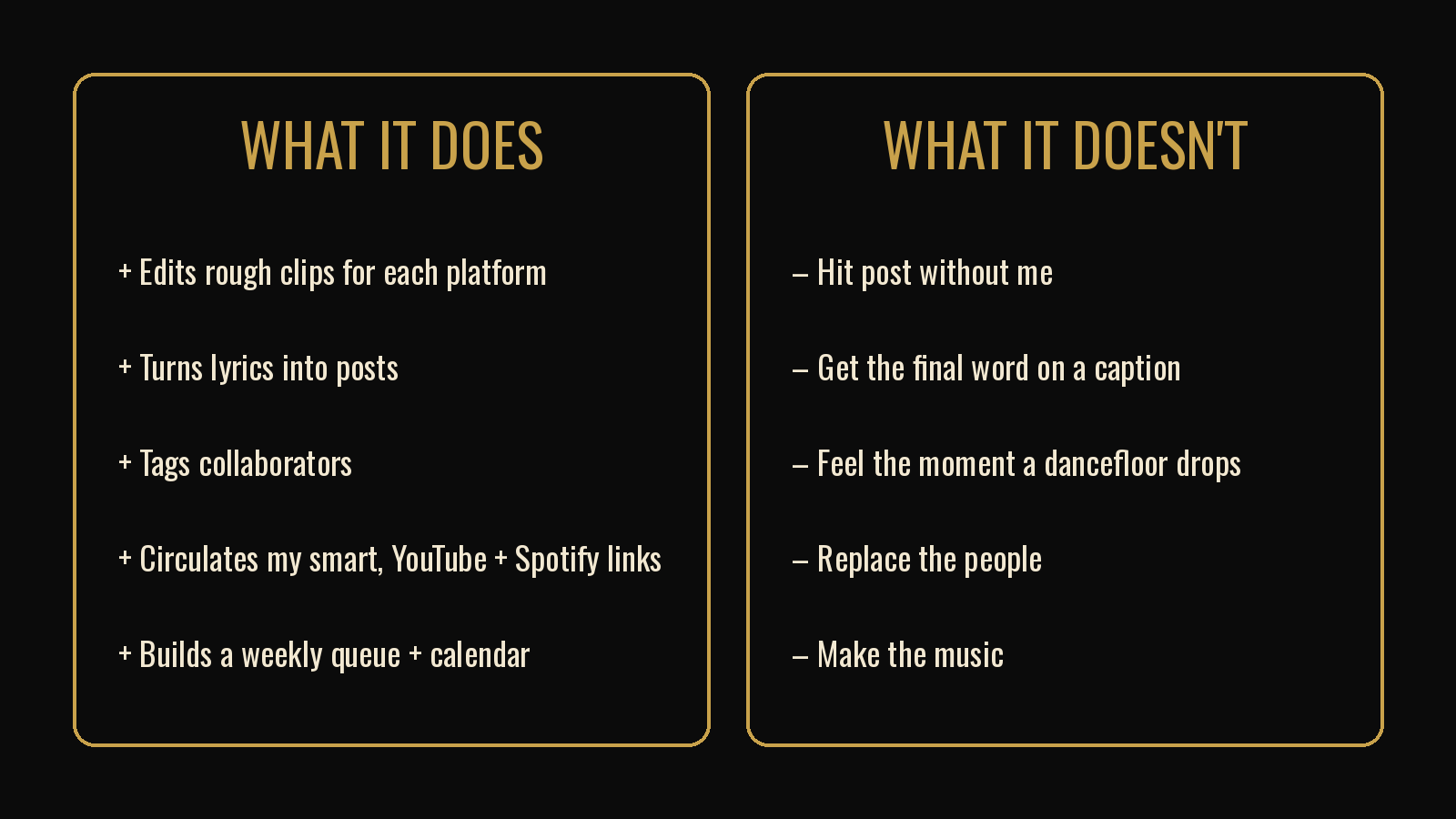
This is my favorite part. I shoot videos, little snippets and half-ideas on my phone, and I hand them over. It edits them and puts them in the right format for each platform. I don’t have to think about sizes, crops or captions. I just keep creating.
If you want to see the one-video-many-posts idea in action, this one is a good watch.
Turn your lyrics into posts
Give it your lyrics and it builds posts out of them. Your words, laid out as posts that look and sound like you. Your best lines don’t sit in a notebook anymore.
Worth a look for ideas on how far one song can stretch as content.
Tag the right people
It can tag other people in your posts too, like collaborators, artists, and the folks who helped on the record. Credit gets given, and it takes seconds.
Give it your links and let it circulate them
Hand it your smart links, your YouTube links and your Spotify links, and ask it to circulate them. It works them into your posts and keeps them going out, so your music keeps reaching fans after release day. You don’t have to go back and re-post by hand.

Talk to it like a manager
You can speak to it. Give it a social media plan, tell it what the week looks like, and tell it to follow the plan. You set the direction, and it does the legwork.
Queue and calendar
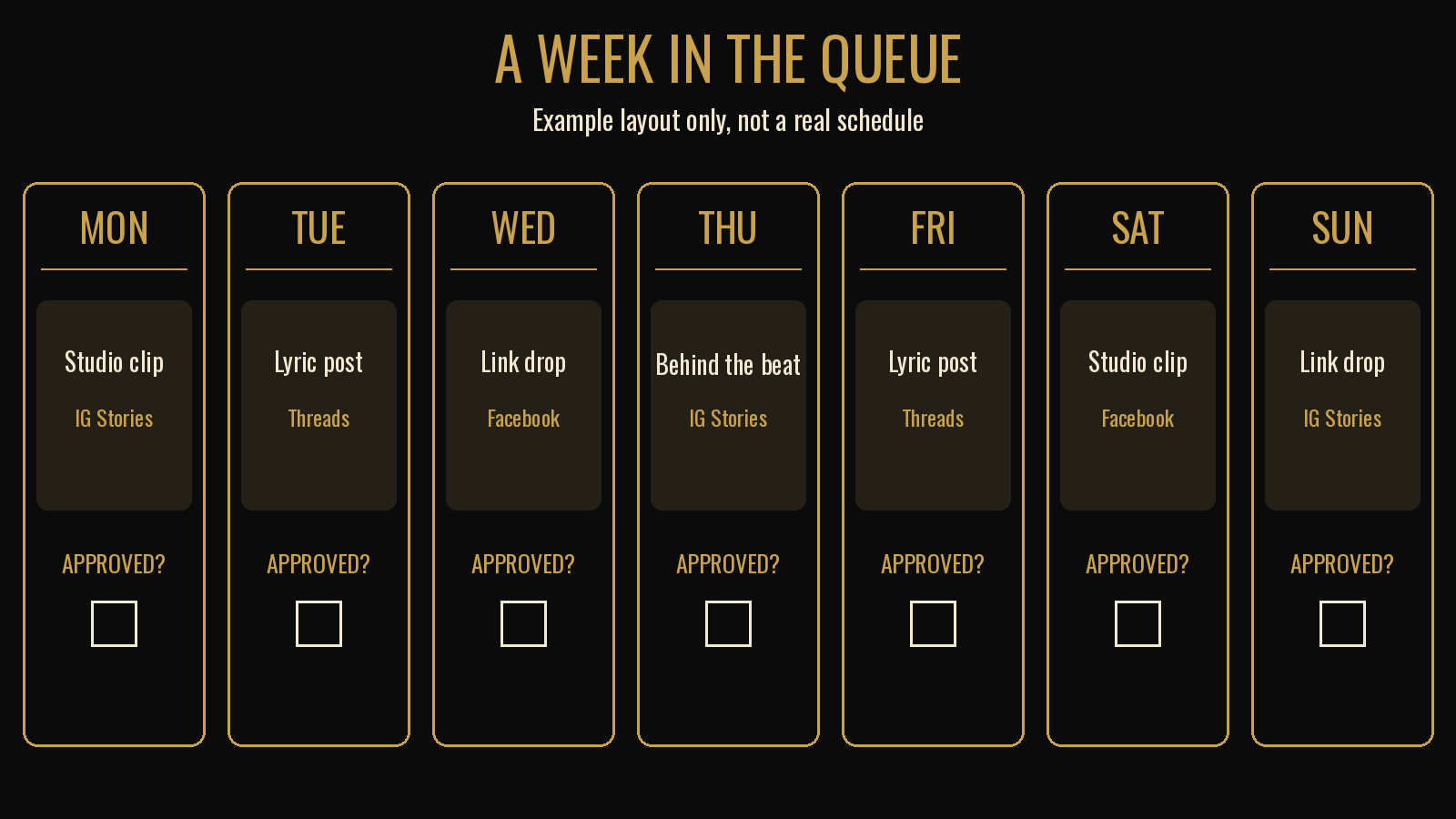
Instead of posting whenever you remember, you build a queue and a calendar. A week of posts is lined up before the week starts. It posts to Instagram Stories, Facebook and Threads.
What it doesn’t do
It doesn’t hit post without me. Every post gets my eyes on the exact words first. If a caption sounds like a robot wrote it, it doesn’t leave the building. The AI proposes, and I decide.
It also can’t feel the moment a dancefloor drops. That part stays with the people.

Three things I learned
- Give it the facts first. Release dates, credits, links. Bad info in means confident bad posts out.
- Keep your voice in the room. Short sentences. Plain words. No corporate talk.
- Approval is the whole system. Speed is nice. Control is better.
Do I recommend it?
Yes. If you’re an independent artist or a small label, start small. Send it your rough clips and lyrics, build a queue, and edit what it gives you. You still make the music. It just helps more people hear it.
Want to try Muse?
Check out Muse, your personal AI agent. Redeem my code in Settings within 48 hours of joining and we’ll both get 1 billion Muse tokens.
Code: TXQN58


